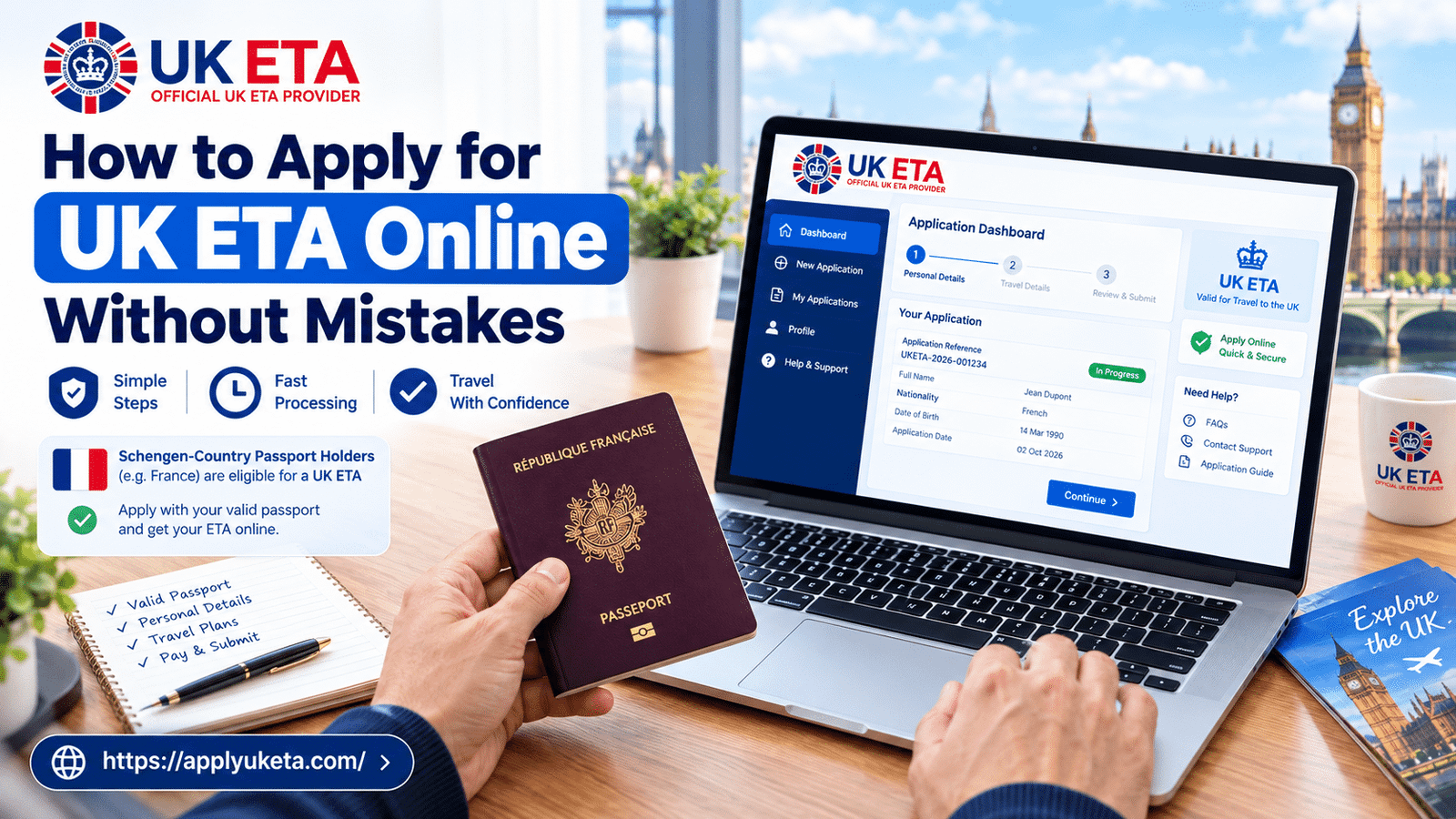
Most UK ETA problems are not caused by bad luck. They come from small errors that people make in a hurry: a typo in a passport number, a photo taken in a dark room, or an application sent two days before the flight.
The good news is that almost all of these are easy to avoid. This guide walks you through the full online application, shows you where people usually slip, and helps you decide the best way to apply for your own trip.
What is a UK ETA, in plain words?
A UK ETA (Electronic Travel Authorisation) is a digital permission to travel to the UK. It is linked to your passport, so there is nothing to stick in your passport or print out for most trips. Airlines and border staff can see it in their systems.
It is meant for visitors from countries that do not need a full visa for short stays. It is not a visa, and it does not give you the right to work or live in the UK.
Typical reasons people apply:
- Tourism and visiting family or friends
- Short business meetings and events
- Short study or training courses
- Transiting through the UK on the way to another country
If you are not sure whether you need one, check the guide on UK ETA eligibility before you start. It takes two minutes and saves you from applying for the wrong thing.
Before you start: what to have ready
A smooth application starts before you open the form. Put these things on your desk first:
- Your passport. It must be the exact passport you will travel with. Check that it is valid for your whole trip.
- A working email address. Your updates and decision will go here, so use one you check every day.
- A clear face photo. A recent photo with a plain background, taken straight on, with no glare and no filters.
- Your travel details. Home address, phone number, and a rough idea of what you will do in the UK.
- A bit of quiet time. Set aside 15 to 20 minutes where nobody is going to interrupt you.
People who skip this step often stop halfway, guess an answer, and then have to fix it later.
Step-by-step: how to apply for UK ETA online
Step 1: Pick the right passport
If you hold more than one passport, use the one you will show at the airport. Your ETA is tied to that exact passport number. If you apply with one passport and travel with another, the ETA will not match and you could be stopped at check-in.
Step 2: Enter your passport details exactly as printed
Open your passport to the photo page and copy the details letter by letter. Do not type from memory. Pay attention to:
- Full name, in the same order and spelling as the passport
- Passport number (watch for the letter O and the number 0)
- Date of birth, date of issue, and expiry date
- Nationality as shown in the passport
Most of the corrections people ask about are name and number typos.
Step 3: Upload a proper photo
Your photo should look like a passport photo, even though it is taken at home. Stand in front of a plain, light wall, face the camera, keep a neutral face, and use even light. Remove glasses if they cause glare. Do not use a heavily edited or filtered picture.
Step 4: Add your contact and travel details
Give your current home address and a phone number you can be reached on. Double check the email address. One wrong letter means your decision goes to a stranger or nowhere at all.
Step 5: Answer the eligibility questions honestly
You will be asked questions about your background, including past immigration history and criminal convictions. Read each question slowly and answer truthfully. If you are unsure how a question applies to you, pause and get advice before you submit. A wrong or incomplete answer can lead to a refusal and can cause problems on future applications.
Step 6: Review everything, then submit
This is the step most people rush. Go through every field one more time, out loud if you need to. Compare the screen to your passport. Only then submit and make a note of your reference number.
Step 7: Keep an eye on your email
Most decisions come back quickly, but some take longer. A sensible rule is to apply at least three working days before you travel. If you are booking flights, apply before or right after you book so you are not stressed at the last minute.
The most common mistakes (and how to avoid them)
1. Name or passport number typos
A single wrong character can make your ETA useless at the airport. Always copy from the passport itself, and read the number back slowly before you submit.
2. Using a different passport than the one you travel with
This one is very common with dual citizens. Pick the passport you will travel on and use it for every step of the trip.
3. A poor photo
Blurry, dark, or filtered photos can slow things down or cause a request for a new one. Take it in daylight, near a window, with a plain background.
4. Applying too late
People often wait until the week of travel. Even when most applications move fast, you want a buffer in case something needs fixing. Give yourself at least three working days, and more if the trip is important.
5. Passport that expires too soon
Check the expiry date before you pay for flights. Your ETA is linked to your passport, so if the passport has a short life left, you may need to renew it first.
6. Rushing the background questions
These questions look simple, but they matter. Take your time and answer each one properly.
7. Wrong email address
If you mistype your email, you may never see your decision. Read it back before you submit.
8. Mixing up an ETA with a visa
An ETA is for short visits. If you plan to work, study for a long period, or move, you will need a different route. Do not assume the ETA covers it.
9. Not saving your details
Keep a screenshot of your reference number and a copy of your passport photo page in a safe folder. If you need help later, you will have everything ready.
A real-world example
Imagine a traveller named Sara from Kuala Lumpur who books a family trip to London. She finds a cheap flight, books it, and only then remembers she needs an ETA. She fills in the form late at night on her phone, types her passport number from memory, and uploads a selfie taken under a yellow lamp.
Two days before the flight, she gets an email asking her to fix her details. She is now stressed, the hotel is booked, and the airline is asking for proof.
Now picture the same trip done the careful way. Sara applies the same day she books. She uses a laptop, copies the passport number from the photo page, takes a clean photo near a window, and reviews every line before she submits. Her ETA is done, saved, and forgotten in 20 minutes, and she can enjoy planning the trip.
The only difference is a little care at the start.
Should you apply on your own or get help?
If your case is simple and you are comfortable with online forms, you can do it yourself by following the steps above.
Getting guided help makes sense if:
- You have more than one passport or a complicated name
- You are applying for a whole family or group
- You are worried about the background questions
- You have a tight travel date and cannot afford a delay
- You simply do not want to risk a typo
At Apply UK ETA, we focus on making the process clear and calm. You can read more about how it works on our how it works page and start your application when you are ready.
Quick checklist before you submit
- Passport is the one I will travel with
- Passport is valid for the whole trip
- Name and passport number match the passport exactly
- Photo is clear, bright, and unfiltered
- Email address is correct and I check it daily
- I answered every question honestly
- I applied at least three working days before travel
- I saved my reference number
Frequently asked questions
Do children need their own ETA? Yes, in most cases each traveller needs their own, including children. Each one is linked to a separate passport.
Can I travel to the UK more than once on one ETA? Generally, an ETA allows multiple short visits during its validity period, as long as the passport stays valid and your reason for travel fits. Check the rules for your situation before booking.
What if I made a mistake after submitting? Contact support as soon as you notice it. Small errors are easier to fix when caught early, and in some cases you may need to submit a new application.
What if my application is refused? Do not panic. Read the reason carefully and check whether another route, such as a visa, fits your plans better. Our UK ETA refusal guide explains what to do next.
Is it okay to apply from my phone? Yes, but a laptop makes it easier to check details and upload a clean photo. If you use a phone, slow down and zoom in on each field.
Final thoughts
Applying for a UK ETA is not hard, but it does punish rushing. Use the right passport, copy details exactly, take a clean photo, answer honestly, and apply early. Do those five things and you will avoid most of the problems that trip people up.
Ready to get it done the careful way? Apply for your UK ETA with Apply UK ETA and travel with one less thing to worry about.